 Security
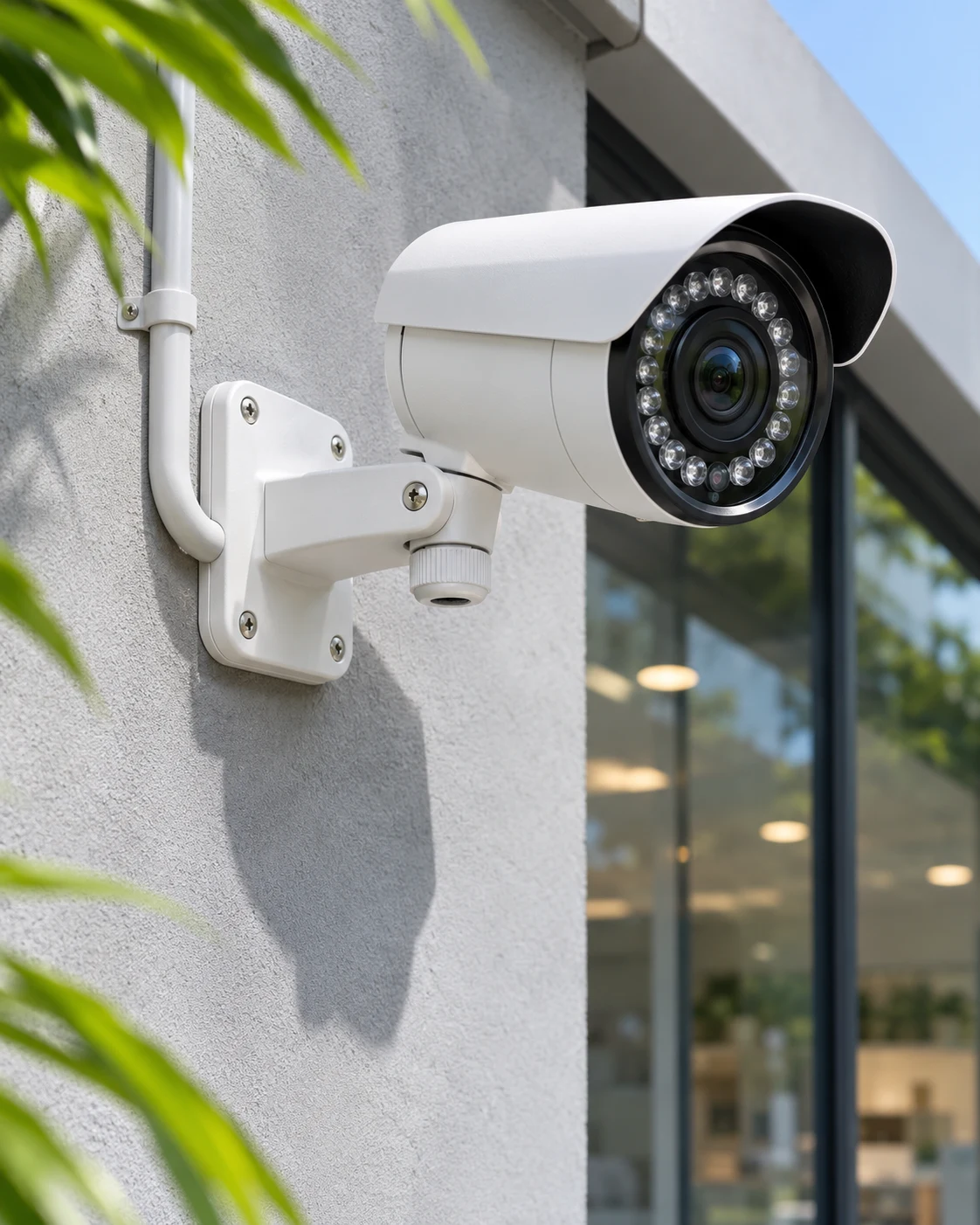
CCTV installation
Camera placement, cabling, recording and remote viewing.

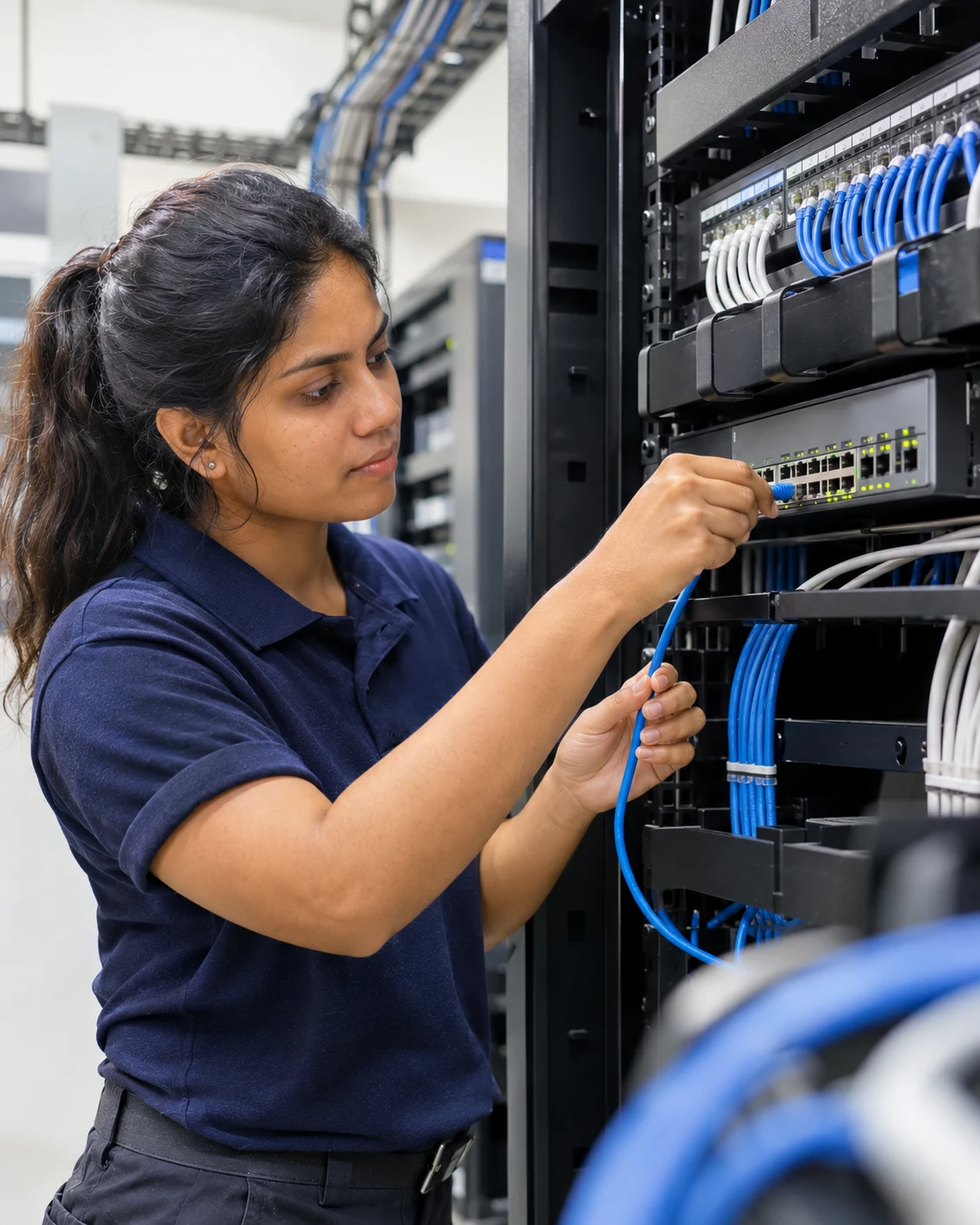
Illustrative service imagery
Discuss the devices and technology your home office or business needs to get started.
Explore a network and Wi-Fi setup that considers your layout and how your space is used.
Start with a clear description of the issue so the right support can be planned.
Keep the focus on a setup you can understand and use with confidence.
Workplace technology
Fochant Facility helps offices and small businesses with computer setup, Wi-Fi coverage and network troubleshooting. Whether you are connecting a new workspace or investigating a recurring fault, we start with your devices and layout.
Ask about this serviceTypical settings include offices & workspaces, shops & small businesses, schools & institutions.
Yes. Share a brief description of your current devices, network, or issue. Include what you want to improve so we can discuss the scope and next steps.
You can enquire about computer and workspace setup, Wi-Fi, network connectivity and everyday troubleshooting. Describe the problem and the result you need so we can confirm the right scope of support.
Include the device or equipment model, any error message, when the problem started and whether it affects one device or several. A relevant screenshot can help explain what is happening.
Yes. Share the size and layout of the space, areas with poor coverage and the approximate number of connected devices. Existing router or network details also help us discuss the improvements you need.
Include the job and location in your WhatsApp enquiry. We’ll let you know if a site visit is needed to price the work.